


FAQ
FAQ
The most common questions about the game, controls and technical issues. Didn’t find an answer — write to us.
About the game
- How much does the game cost?
Nothing. The game is free forever: no ads and no in-app purchases. Everything you unlock stays in future versions.
- Which platforms can I play on?
Windows 10/11 and Android 8.0+. A browser version is in the works.
- Do I need the internet?
No. The game works fully offline; you only need the internet to download an update.
- Which languages are supported?
Russian and English. Switch the language with the RU/EN buttons in the main menu.
- How many missions are there?
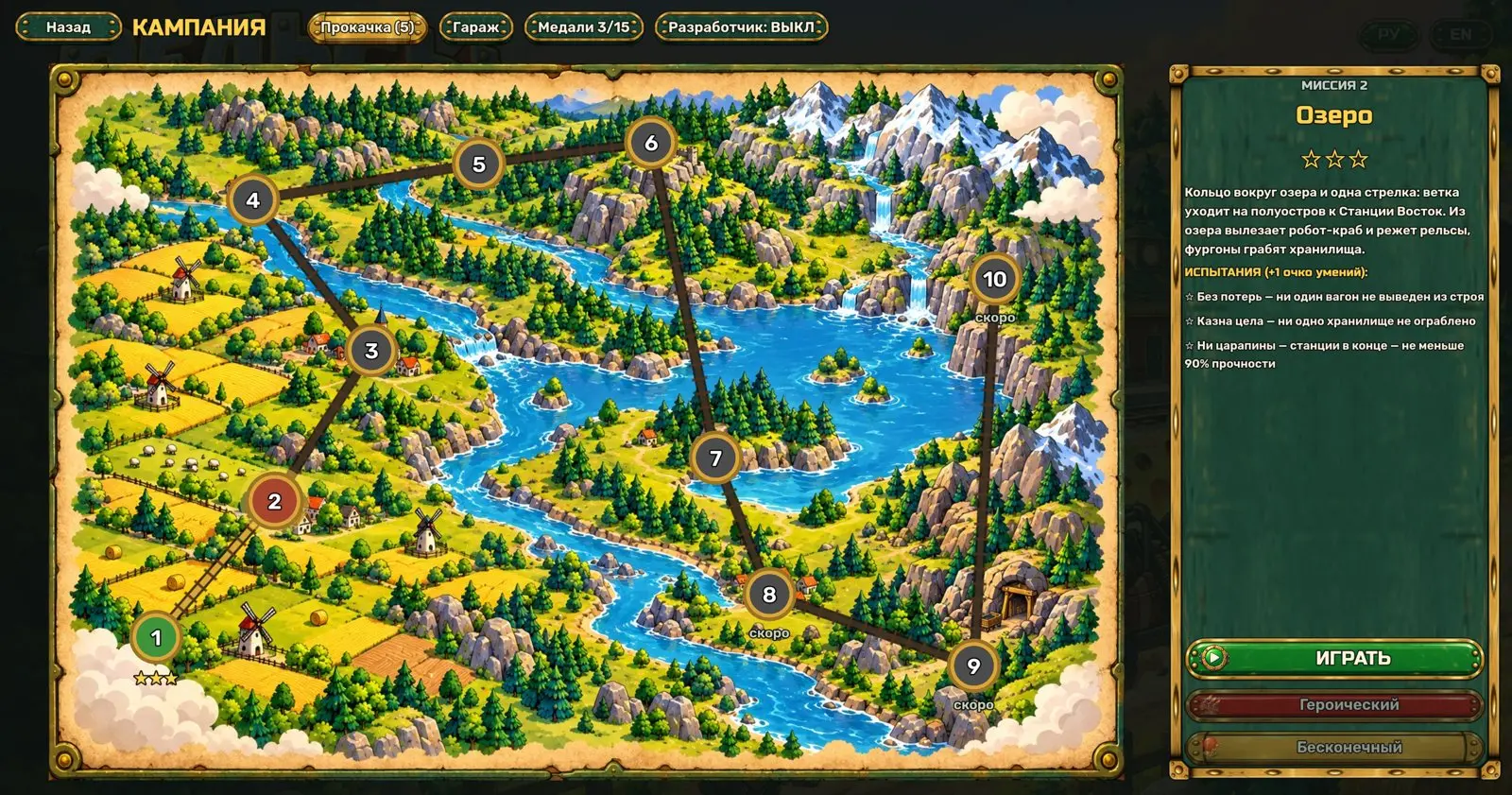
Ten campaign missions and two bosses: the King Crab and the raiders’ armored train. Plus heroic and endless modes.
- How can I support development?
In rubles or crypto — on the “Support the game”page. Support is voluntary and gives no in-game advantages.
Gameplay
- How do I drive the train manually?
Tap a station button in the bottom panel and the train goes there by itself. For precise maneuvers move the speed lever on the right: forward, stop, back.
- Enemies blew up the tracks. What now?
Drive up to the gap: the locomotive repairs the track for coins. The “Armor” → “Workshops” branch makes repairs cheaper and faster.
- How do I beat the King Crab?
Keep moving and watch for the red circles. Hit it while it cuts the rail: at that moment it takes 1.6× damage.
- How do I beat the raiders’ armored train?
Wait for it at the water tower near Outpost Station: once per lap it stops there to refuel and takes 1.6× damage. Shells run out fast — restock by stopping at a station.
- Where do skill points come from?
From mission challenges: “No losses”, “Treasury intact”, “Not a scratch” and others. Each one is a point.
- Can I reset my upgrades?
Yes, the “Upgrades” window has a reset button — all points come back.
Technical questions
- Where are saves stored?
The game saves automatically after every mission and before a boss. On Windows the files are in the user’s AppData folder.
- The game is slow. What can I do?
Lower shadow quality and resolution in the settings. Update your graphics driver: the game needs Vulkan support.
- How do I report a bug?
Fill in the “Report a bug” form: describe what happened and how to repeat it, and attach a screenshot or video.